Prioritisation
Part of Knowledge reuse
Turning a repeated task into a practical checklist
Define the task, select the checks that matter, write clear actions and review the checklist against real work.
Make a checklist for a repeated task when someone knows the work but could miss an input, handover or final check. Start with an actual instance of the task.
Keep the items whose omission would affect the result, and word them so users can tell when they are complete. Leave room for judgement when cases vary.
Set the start and finish
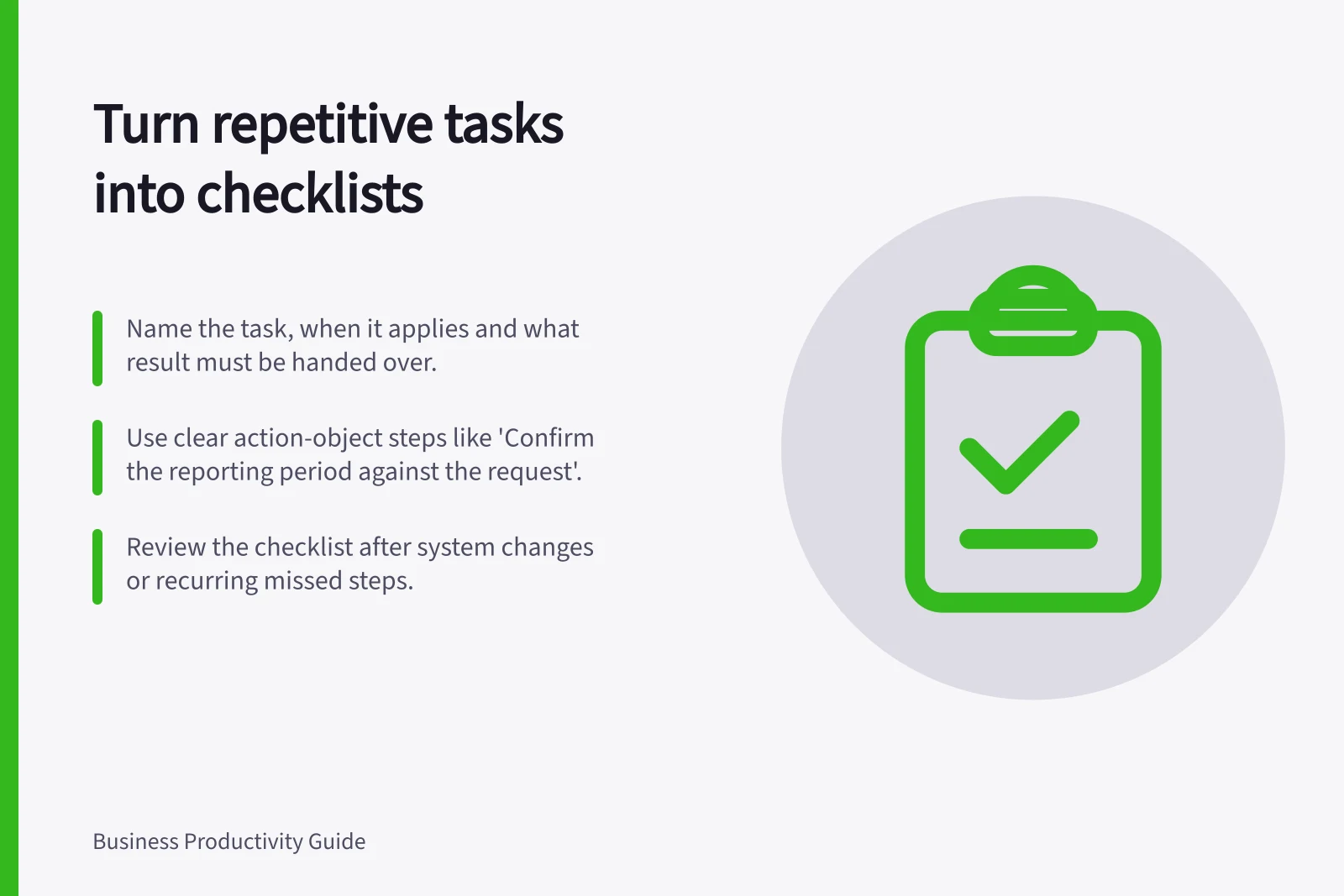
Name the task, when the list applies and what result the user must hand over. “Prepare a monthly report for review” is a workable boundary; “manage reporting” covers too much for one list.
Walk through a recent example with someone who performs the task. Note where they had to find a source, check a condition, seek approval or pass work on. Compare another case if common variations matter.
Include checks that prevent an unusable result or a missed handover. Leave out trivial actions a competent user will take anyway. Label a step that applies only in certain cases rather than asking everyone to complete it.
Key Steps to Turn a Repeated Task into a Practical Checklist
- Name the task and define clear start and finish boundariese.g., 'Prepare a monthly report for review' not 'Manage reporting'
- Walk through a recent example with the task performerIdentify where sources were found, approvals sought or handovers made
- Include only essential checks that prevent unusable results or missed handoversExclude trivial actions a competent user would do without prompting
- Label conditional steps clearly (e.g., 'If material exception exists, ask reviewer')Avoid forcing everyone to complete steps that don’t apply in all cases
Write items that can be checked
Use an action and an object: “Confirm the reporting period against the request” is clearer than “Check details”. Where success could be ambiguous, say what evidence or decision completes the item.
For a hypothetical monthly report, a list might ask the user to:
- Confirm the requested period, audience and business units.
- Use the approved data source and note its cut-off.
- Check that totals and explanations use the same definitions.
- Ask the named reviewer to resolve a material exception.
- Put the reviewable version in the agreed location and tell the recipient what remains open.
Adapt these example prompts to the team’s approved reporting process. Keep the list in the order the work occurs.
If approval must precede release, place it before the release step. If there are several legitimate routes, state the condition for each. A long maze of conditions may need a separate procedure or a decision from the process owner.
How to Write Checkable Items That Prevent Errors
- Use action + object formate.g., 'Confirm the reporting period against the request' instead of 'Check details'
- Specify evidence or decision that confirms completione.g., 'Attach signed approval from Finance Manager' or 'Document resolution in shared tracker'
- Order items according to workflow sequencePlace approval before release; group related tasks logically
- Handle multiple routes with clear conditionse.g., 'If data source changed, confirm with ATO Compliance Officer before proceeding'
Try it against real work
Ask someone who knows the task to use the draft with a recent case. Can they tell which items apply, what satisfies them and where to stop? Ask a less familiar colleague to explain the starting inputs and handover. Revise wording, order or scope where either person has to guess.
An item requiring judgement should name the question and who can settle an exception. Align the checklist with any approved procedure that already contains a required control.
Testing and Maintaining Your Checklist
- Test with someone familiar and someone less familiarEnsure both can identify inputs, apply relevant items and know when to stop
- Revise unclear wording, order or scope based on feedbackEliminate ambiguity so users don’t have to guess what to do
- Align checklist with existing approved proceduresEnsure compliance with organisational standards like those from the ATO or NAA
Keep the list current
Name an owner and review triggers, such as a changed system, data source, approval route or recurring missed step. Make the current version clear in the agreed location. Preserve earlier versions where the organisation’s records practice requires them.
Why Checklists Improve Work Quality in Australian Businesses
- Reduces missed handovers by up to 70%Based on internal audits at mid-sized Australian firms using structured checklists
- Saves 1.5 hours per month on average per team memberFrom reduced rework and clearer task boundaries
- Supports compliance with Information Management Standard (AUSGOV)Ensures necessary business information is created and retained correctly
- Improves onboarding time for new staff by 40%New employees follow documented processes instead of relying on memory