Process Experiments
Part of Knowledge reuse
Keeping reusable templates current
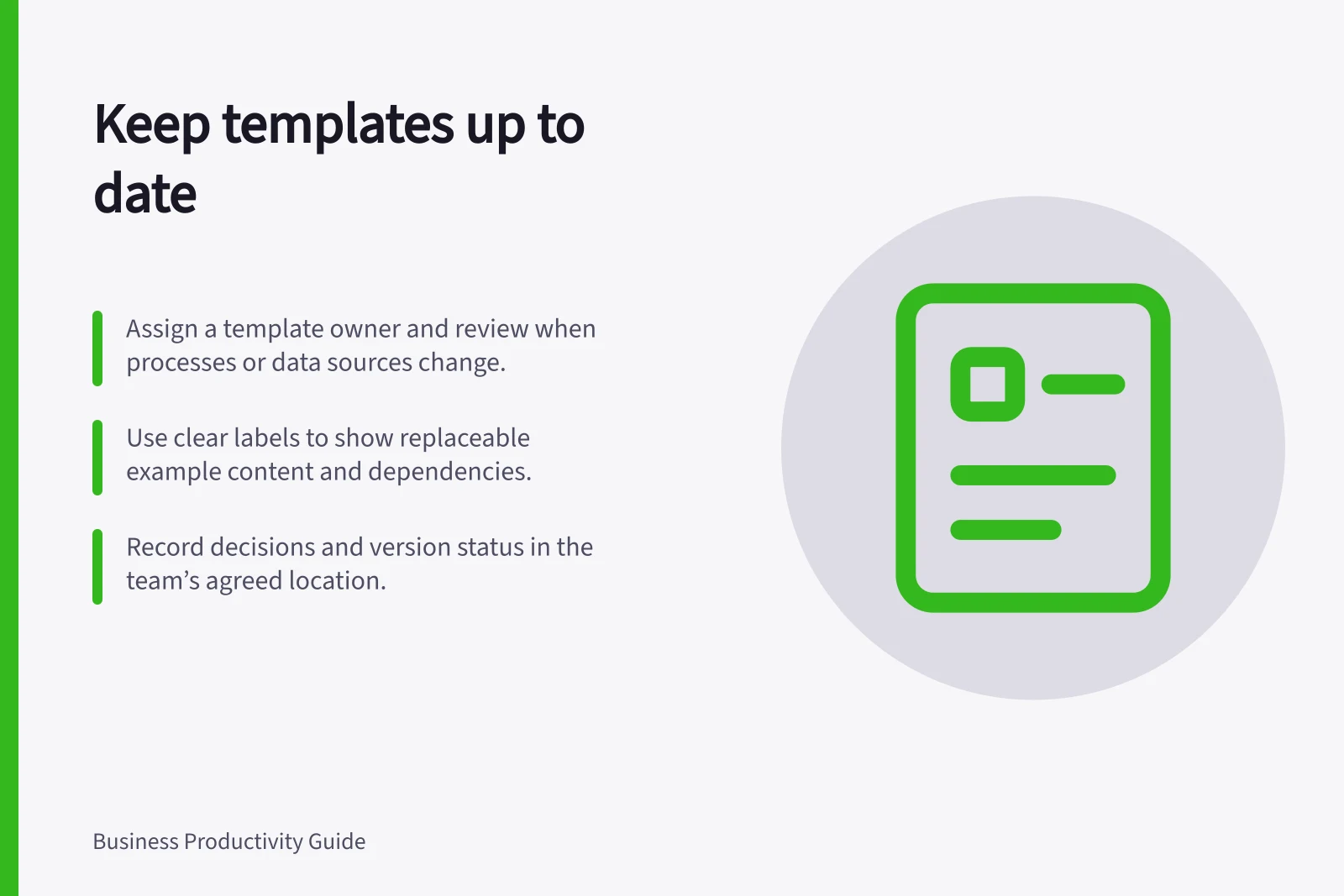
Assign a template owner, track change triggers, identify the current version and review the template against real work.
Keep a reusable template current by giving it an owner, identifying what can change and reviewing it when one of those things changes. Give users one recognised starting version. A review date can prompt attention, but a changed process, data source or approval route needs a check when it happens.
Separate the frame from the facts
A template can contain a structure, instructions and example content. They age differently. A proposal outline might remain useful while a sample price, contact, service description or approver becomes wrong.
Mark examples clearly and tell users which fields they must replace and verify each time.
Identify dependencies that could invalidate the template: an approved process, form, system field, source document, responsible role or required review. If it contains regulated or contractual wording, have changes checked by the people authorised to approve that wording.
Identify the current version
Keep the starting template in the team’s agreed location and label it by purpose. Include an owner and a clear way to identify the effective version. Do not circulate detached copies as though they are the master; label any working copy by its case and date.
Where the platform tracks versions, history can help inspect changes or recover from an error. Microsoft says a previous SharePoint file version can be restored when the relevant library tracks versions. The Version history command may be unavailable if versioning is off or configured differently. A restored version still needs a content check; version history does not certify approval.
Mark an older template as superseded when it must be retained, and follow the organisation’s records practice before deleting it.
Review against actual use
When a dependency changes, ask the process owner and a regular user to compare the template with a current example of the work. Does it ask for the right inputs, follow the current route and leave room for necessary decisions? Could any sample text be mistaken for a live fact?
End with a decision:
- Keep
- it if the structure and instructions remain suitable.
- Correct
- a limited field or instruction.
- Replace
- it if the task needs a different starting format.
- Retire
- it if the task or approved route no longer exists.
Record the decision, owner and effective version where users get the template. If a material change affects work already in progress, tell those users what to check. Correcting the master does not repair copies already started.
Questions about which version to use, repeated edits to one field and returned work caused by a missing input are reasons to inspect the template. Check whether the cause is outdated content, unclear instructions or a changed task.