Prioritisation
Part of Productivity measurement
Measuring cycle time for recurring work
Define start and finish points, track comparable work and interpret cycle time without hiding open items or quality problems.
Cycle time is elapsed time from an agreed work-start point to an agreed completion point. For recurring work, define those points, measure comparable items consistently and inspect unusually long cases. It describes flow, not how hard someone worked.
Set the boundaries
Choose one repeatable work type and state which items belong. A complex exception may need its own category if it follows a different route.
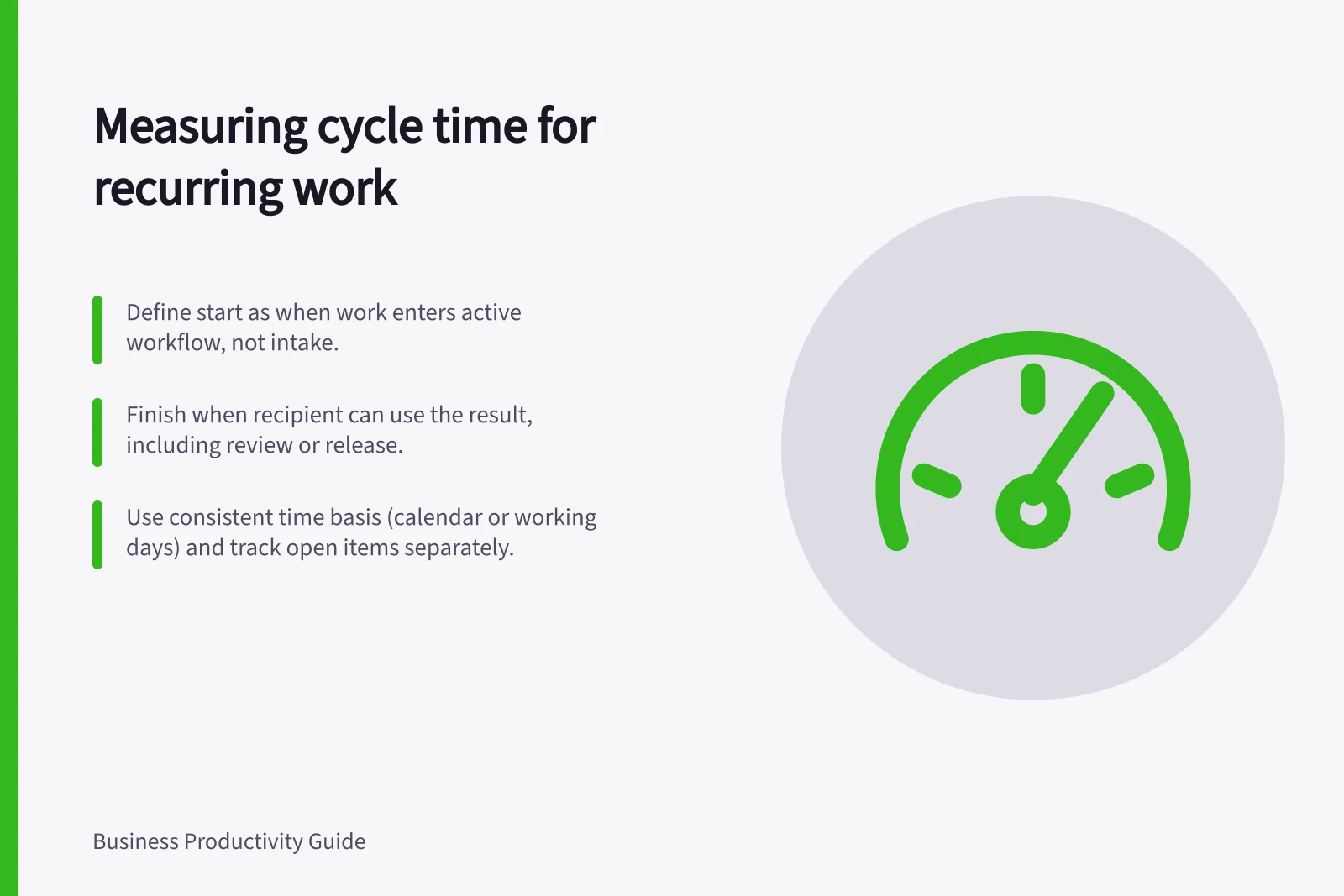
Set the start when the item enters the active workflow, such as when an owner begins work. If you instead start at first request or at intake before work can begin, label that broader requester wait separately. A queue before active work should not silently enter a work-start cycle-time comparison.
Set the finish when the recipient can use the result, including required review or release. Decide how reopened items are recorded and use that rule consistently.
Software charts may apply different state mappings: Azure DevOps measures from first In Progress to final Completed, including the interval before reactivation. A Jira control chart depends on selected workflow statuses. Check a tool's configuration before comparing its chart with a manual record.
Defining Cycle Time Boundaries for Recurring Work
- Select a repeatable work typee.g., standard invoice processing
- Define start point: when active work beginse.g., when assigned to an owner
- Define finish point: when recipient can use the resultincluding review or release
- Decide on handling of reopened itemse.g., treat as new cycle or include in original
Record completed and open work
For each item, keep its type, start, finish, completion status and any material wait. Choose either calendar elapsed time or working time under a stated calendar, and use that basis throughout a comparison. State the time zone where timestamps cross locations. Calendar time reflects the recipient's wait after the chosen start; working time may help examine a staffed process.
Keep open items visible as ageing work, outside the completed-item summary. Otherwise a team may appear faster while its slowest items remain unfinished. A simple record can hold an identifier, work type, timestamps, elapsed time, reopened status and a brief note about a material wait. Avoid personal detail that does not help explain the process.
Pros and Cons of Using Calendar vs Working Time
- Pros of Calendar Elapsed Time
- Reflects recipient's actual wait; simple to track across time zones
- Cons of Calendar Elapsed Time
- Includes weekends/public holidays; may not reflect team effort
- Pros of Working Time
- Highlights staffed process efficiency; useful for internal performance
- Cons of Working Time
- Requires consistent calendar definition; harder to compare across locations
Read the spread
Compare similar completed items over a stated period. Report the number of items. A median shows the middle of the completed group; the range or longest cases can reveal delays it conceals. With only a few items, inspect cases rather than treating the figure as a stable baseline.
For example, four hypothetical items take two, three, three and twelve days. The median is three days, but the twelve-day item still warrants inspection. Check whether it waited for approval, followed an unusual route or returned after handover. Do not exclude it merely because it worsens the summary; explain any genuinely different classification.
Compare periods only when the work definition and timing rules remain comparable. Note changes in demand, case mix, staffing and required checks. A shorter cycle is useful only if recipients still receive acceptable work and waiting has not moved to another queue.
Ask what caused the wait
If several items wait at one review step, ask the reviewer and submitters what they need to proceed. An earlier review slot, clearer input or authorised backup may help. Check later comparable items and any effect on quality and reviewer workload.
Cycle time shows where to ask. It does not, by itself, identify the cause of a delay or justify ranking people whose work differs.
Cycle Time Measurement Best Practices
- Define start and finish points clearlyEnsure consistency across all items
- Track both completed and open itemsAvoid hiding ageing work that affects perceived speed
- Inspect outliers without excluding themInvestigate long-cycle cases to identify root causes
- Compare periods only with stable definitionsNote changes in demand, staffing or process rules