Meetings
Part of Decision efficiency
Escalating a blocked decision with clear options
Escalation works when the recipient can decide without reconstructing weeks of discussion.
Escalation works when the recipient can decide without reconstructing weeks of discussion. Send a short brief that states the choice, options, recommendation and consequence of waiting.
Assemble a decision-ready note
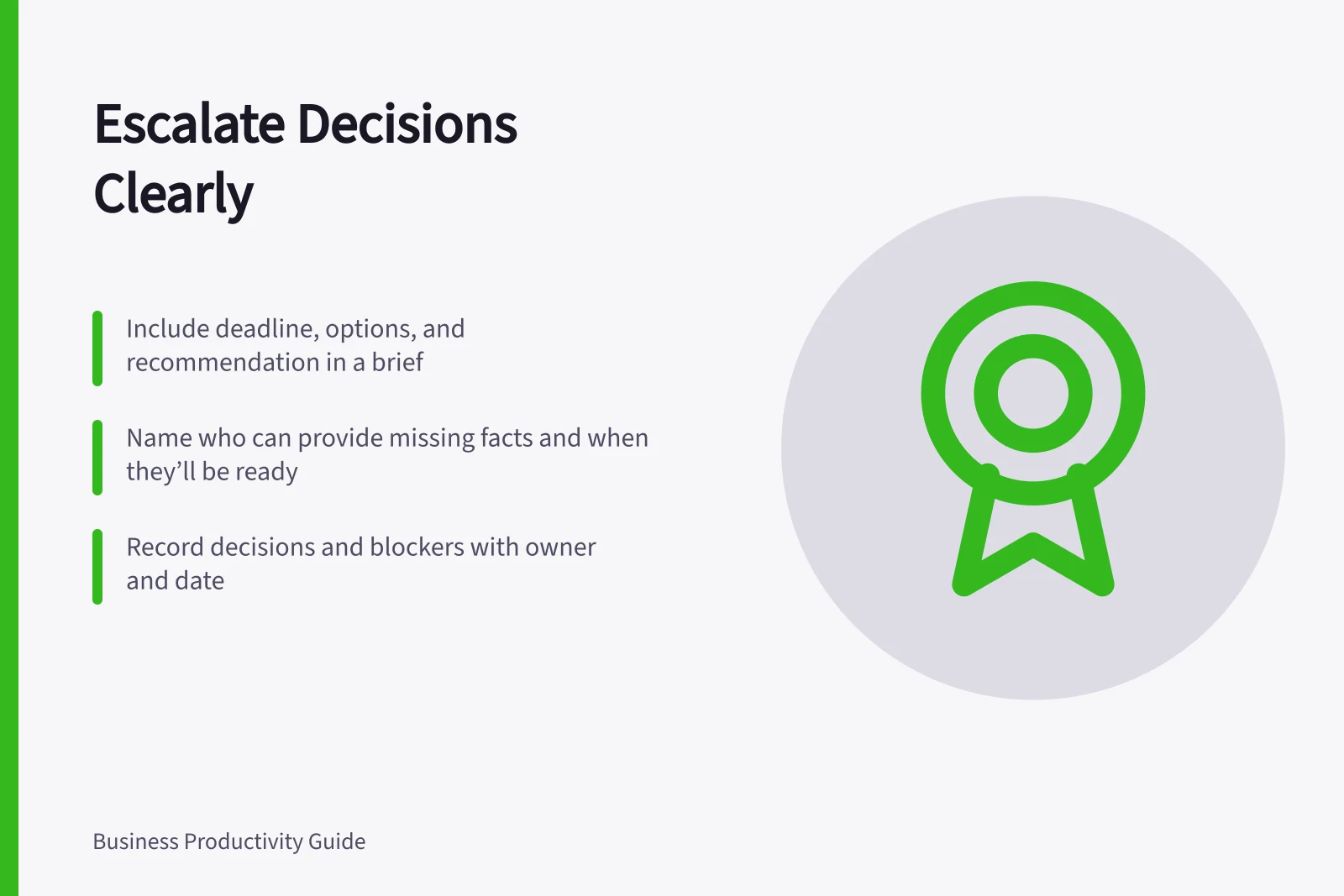
Use five parts: the question and deadline; why the current owner cannot decide; two or three feasible options; the main benefit, cost and risk of each; and the recommended choice with its uncertainty. Attach detailed evidence separately.
If a missing fact could change the recommendation, name who can obtain it and when. Atlassian's DACI model separates the driver who gathers input from the approver who decides, which helps identify the right escalation route.
Be explicit about the authority needed. Does the choice require budget, a policy exception or priority across teams?
If the recipient lacks that authority, forwarding the brief to them merely adds a hand-off.
Give a default interim action if the deadline passes and that action is safe and authorised.
DACI Model: Clarifying Roles in Decision-Making
- Driver
- Gathers input and prepares the decision note (e.g., project manager)
- Approver
- Makes the final decision (e.g., team lead or executive)
- Contributor
- Provides expertise or data (e.g., finance or legal team)
- Informed
- Notices the outcome but not involved in the process (e.g., stakeholders)
Close the loop
Record the decision or the remaining blocker, including owner and date. Share the outcome with contributors and implementers, not only the person who escalated it. If the answer is “gather more evidence”, specify the exact evidence and the next decision date.
Track recurring escalations. They may reveal unclear delegated authority or missing criteria. Fixing that source saves more time than becoming faster at writing escalation emails.