Team Workload
Part of Team workload visibility
Showing workload without ranking people by task count
Choose workload signals that reveal timing, effort and role constraints without turning a shared view into a task-count league table.
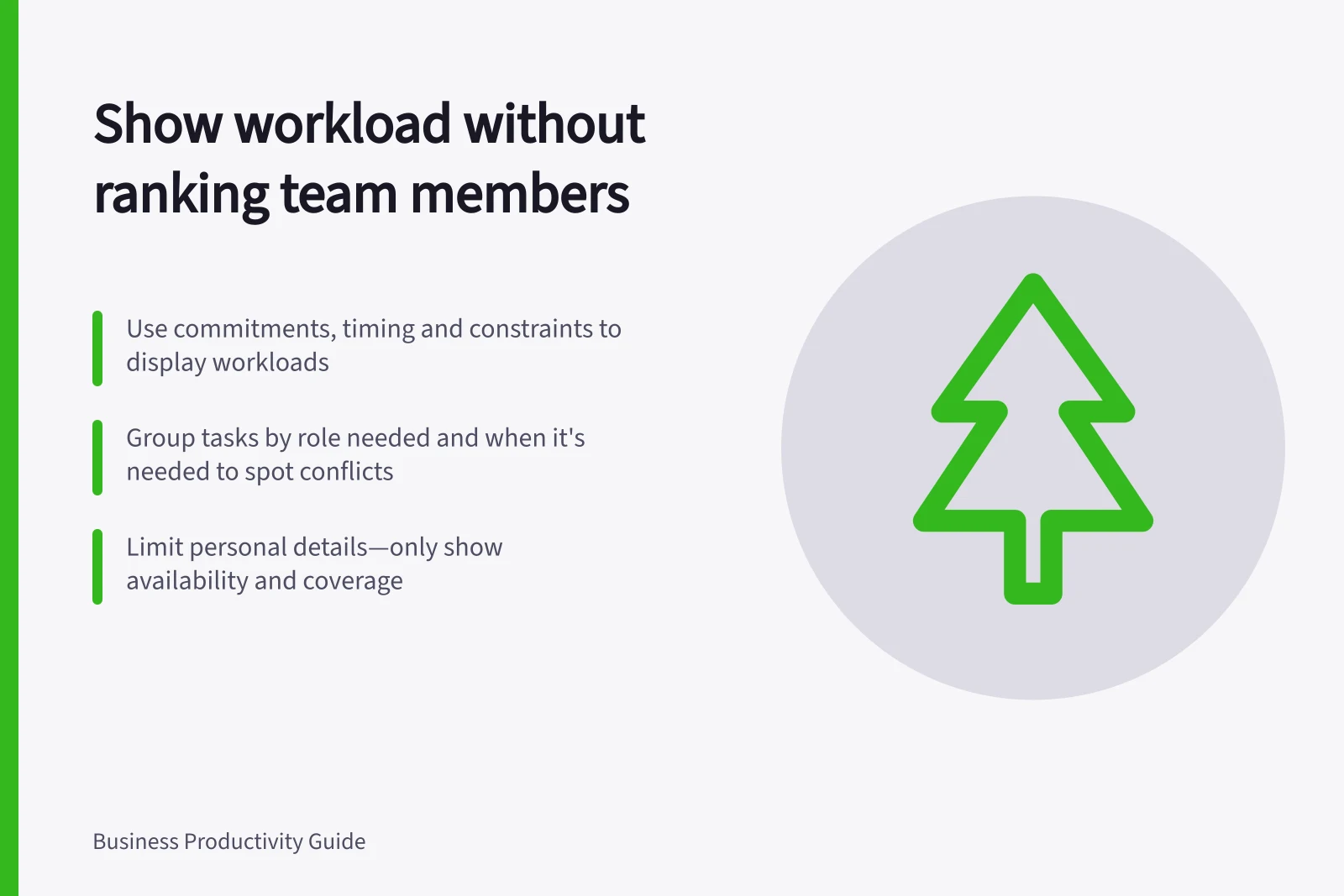
Show workload through commitments, timing and constraints, not by ranking colleagues on assigned task totals. A quick correction and a complex approval each count as one task; essential service cover may register as no task at all.
Choose the decision the display must support
Decide whether the team must choose who can take a request, which hand-off needs help or what has to move this week. For work relevant to that choice, show the next result, due window, required skill, dependency and owner. Include leave and service cover at the level needed to plan.
Where an effort estimate helps, use a rough size or range, and let the person doing the work correct it. Do not turn uncertain estimates into precise-looking scores. Explain who can see the display and how it will be used.
Planning Work Without Task Count Rankings
- Identify the decision the display supportse.g., who can take a request, which hand-off needs help, what must move this week
- Show relevant signals for that decisionnext result, due window, required skill, dependency, owner, leave, service cover
- Clarify access and usage rulesWho can see it? How will it be used? Ensure privacy compliance
Show collisions rather than a league table
Group commitments by the role needed next and when that role is needed. If several items need one reviewer in the same window, show the conflict. A named owner may be necessary for a hand-off without becoming a public ranking.
| Planning signal | Question to ask |
|---|---|
| Several deadlines need one reviewer | Can a review move or be shared by someone qualified? |
| Many small tasks sit with one person | Are they quick actions, fragmented service work or part of a larger commitment? |
| Few assigned tasks sit with another person | What cover, approvals, training or dependencies occupy their capacity? |
These questions do not establish how hard anyone is working. Speak with the people involved before changing assignments, and check that a proposed replacement has the skills, access and authority needed.
Limit personal detail
For an absence, colleagues planning work generally need to know that someone is unavailable and who covers the commitment. They do not need a medical explanation. Keep personal details in the appropriate restricted process and follow the workplace's privacy arrangements.
Review whether the display still helps people raise constraints and settle commitments. If a task total is driving the conversation, return to the work that needs doing, what blocks it and who can change the plan.